Getting started
How to redeem a Discord gift link
Updated · 3 min read
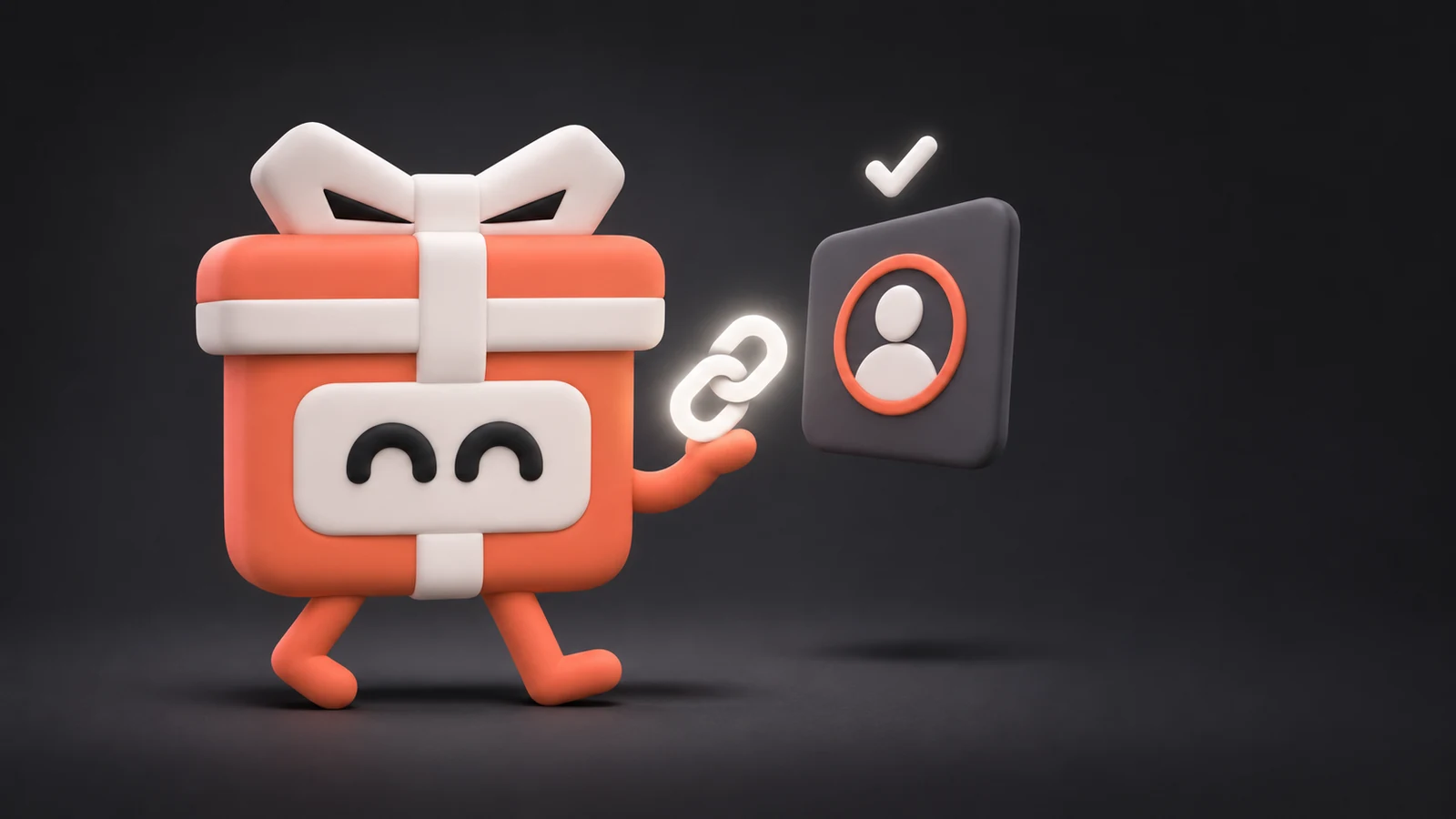
Every DecoMall order arrives as a standard discord.gift link, the same kind of link you get when a friend gifts you something from the Discord Shop. You claim it yourself. We never need your Discord login.
Before you start
- Sign in to Discord on the account that should get the item. The link goes to whoever claims it first.
- Claim it within 47 hours of delivery. After that the link expires. Each link works once.
- Buying for a friend? Send them the link instead of opening it yourself.
On a computer
- Open your delivery email or your order page and click the gift link next to the item.
- Discord shows the gift. Click Accept.
- The item lands in your collectibles.
On a phone
- Open the delivery email or your order page on your phone and tap the link.
- It opens in the Discord app. Tap Accept.
If the link opens in your browser instead of the app, sign in there or copy the link into the app.
Put it on your profile
Equip it in Settings → Profiles, under the matching item type, then save.
If something looks wrong
- The link won't redeem. Contact us within 47 hours of delivery with your order reference and a screenshot of the error. Our refund policy covers what happens next.
- An item never arrived. We refund that item. Anything that was delivered is yours to keep.
Still stuck? Get help, or email support@decomall.gift.